Move/Rotate Building
The possibility of moving the building in plan view is offered from the main menu (Tools> Move Building) or from the corresponding toolbar button  by either assigning the relative coordinates or by selecting the base point and the second point graphically.

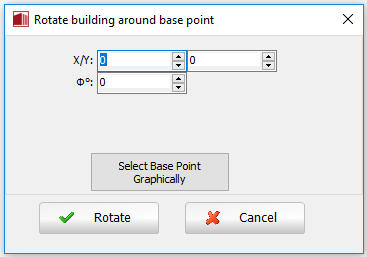
The option of rotating the building n plan view is also available from the main menu (Tools> Rotate Building) or from the  toolbar button. Users should specify the base point by ts coordinates or graphically and assign the rotation angle.