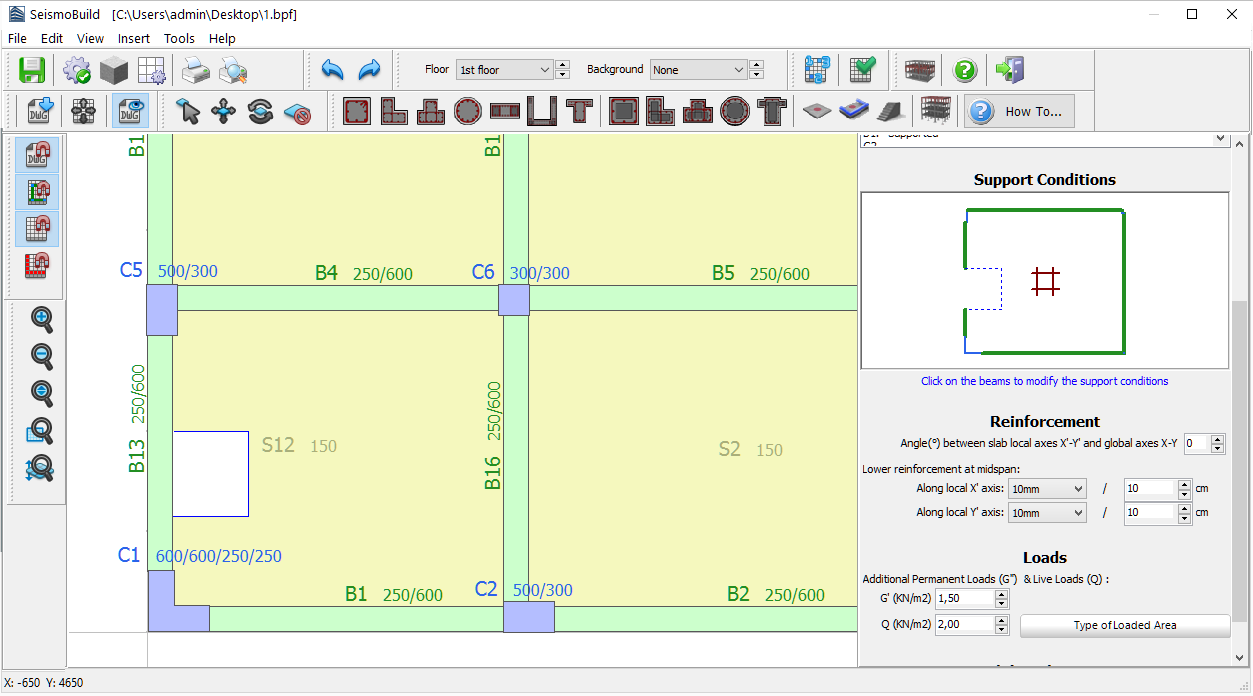
Slab Openings
Slabs with openings may be inserted within the Building Modeller with the help of the Free Edge facility. The Free Edge may be inserted from the main menu (Insert > Free Edge) or through the corresponding toolbar button  .
.
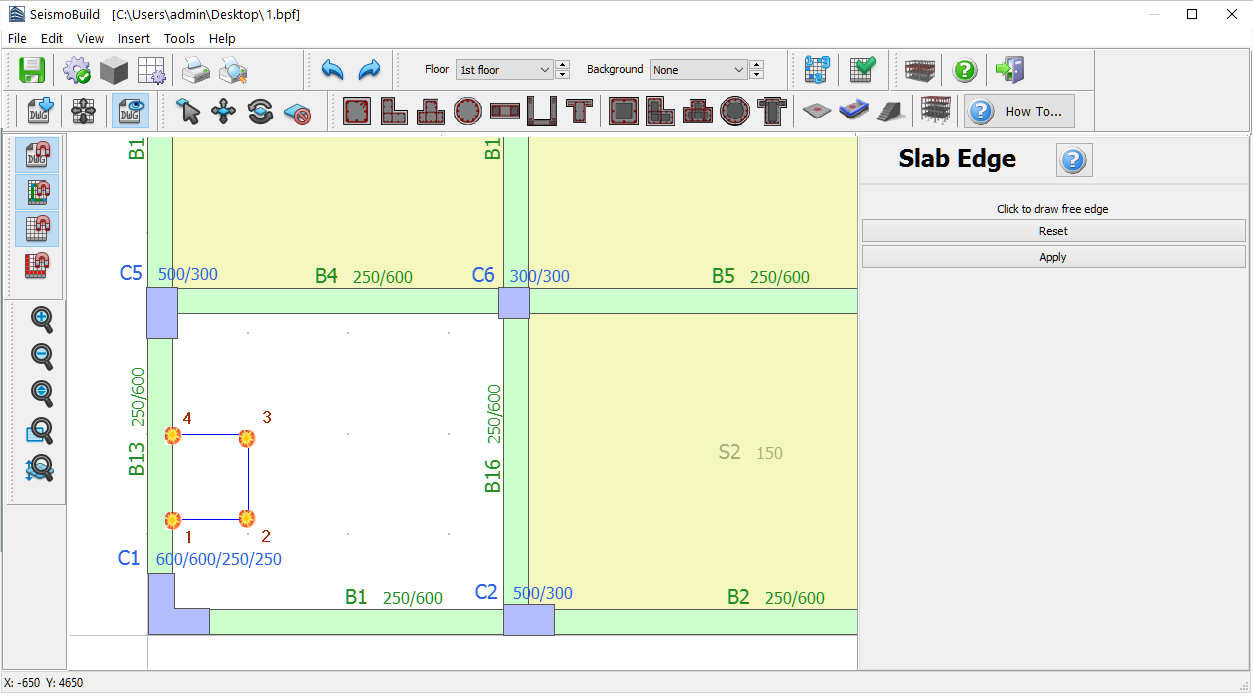
After defining the Free Edge's corner points, used to outline the shape of the opening, the Apply button should be clicked on the Properties Window to complete its insertion. The Free Edge should start and end at an already defined structural member, beam, column or wall. Slab openings in the middle of the slabs are not supported.

When the Free Edge is successfully defined users can insert a new slab.