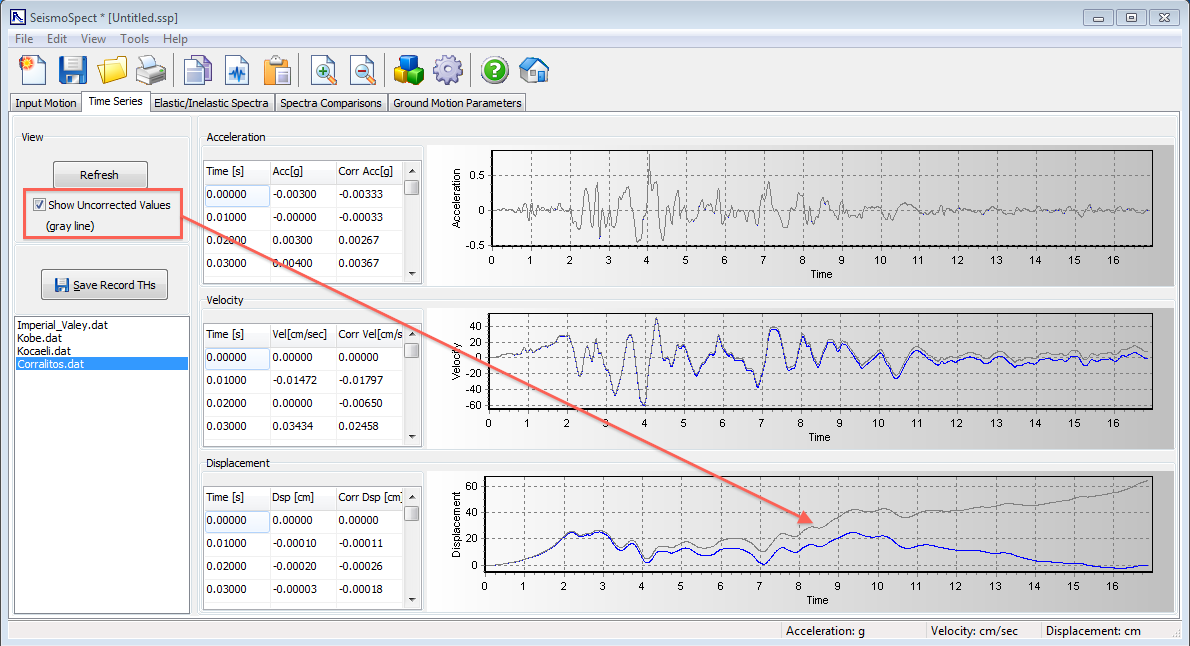
Time Series
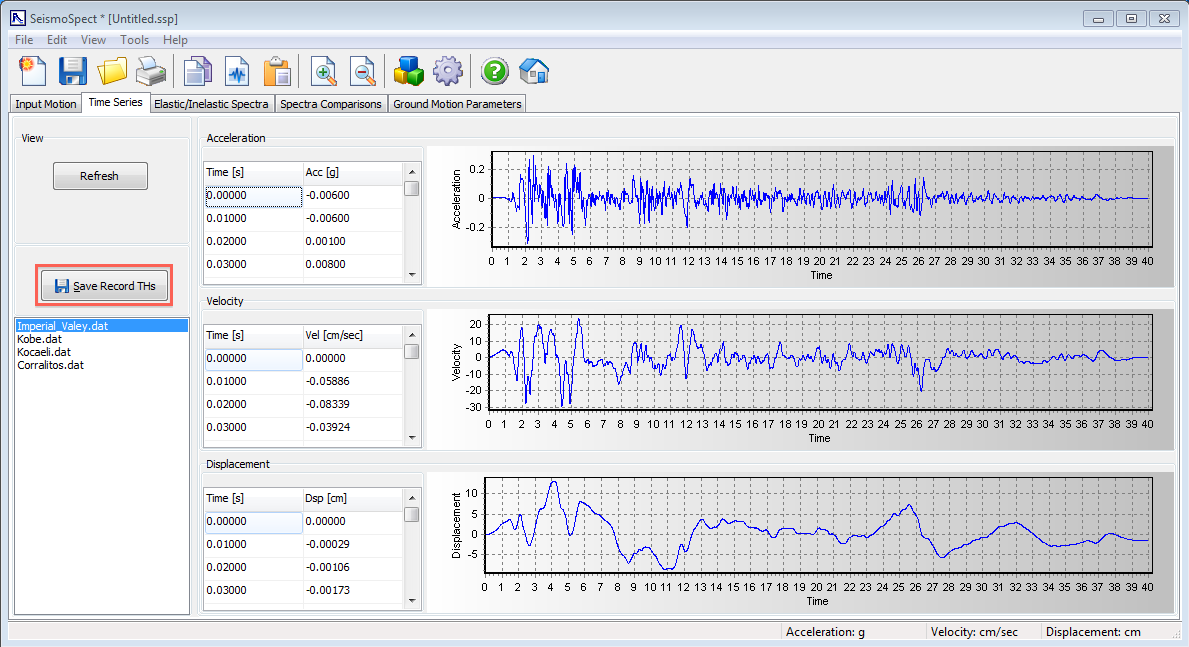
Once an accelerogram has been loaded into SeismoSpect, its description will be added to the list box on the Time Series module. In this area it is possible to view the acceleration, velocity and displacement time-histories that are obtained through single and double time-integration. The results for each accelerogram are shown through tables and charts and several options have been implemented that allows user to extract these values in many formats (see Exporting Results). From this module, it is also possible to save the records in a text file, by clicking the Save Records THs button on the left of the screen (see picture below).
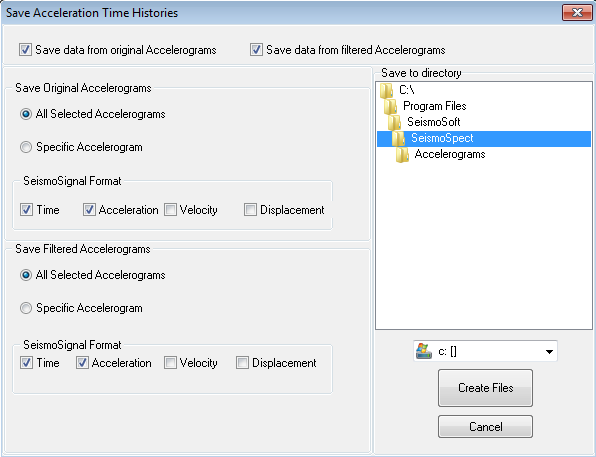
In particular, the Save Acceleration Time Histories dialog box will be displayed, allowing users to extract information such as acceleration, velocity or displacement time histories, either for the original and/or filtered records.
SeismoSpect also supports baseline correction and filtering of the records (by default they are however disabled). Users who so wish, can enable these operations in the Baseline Correction and Filtering module of the Program Settings. Once at least one of these options is enable, a check box will appear that will allow user to decide if uncorrected values should be displayed or not. Do note that once these corrections are being carried out, SeismoSpect will always use the corrected values in the spectra computations.